
SecuredYMessages1.1 - Google Play
You'll be able to see results in few seconds.
Publisher Description
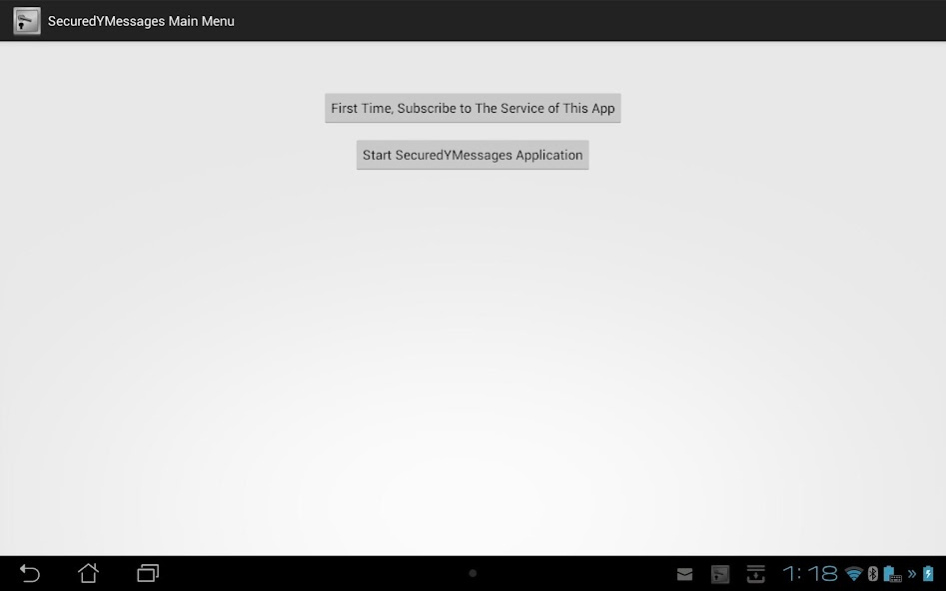
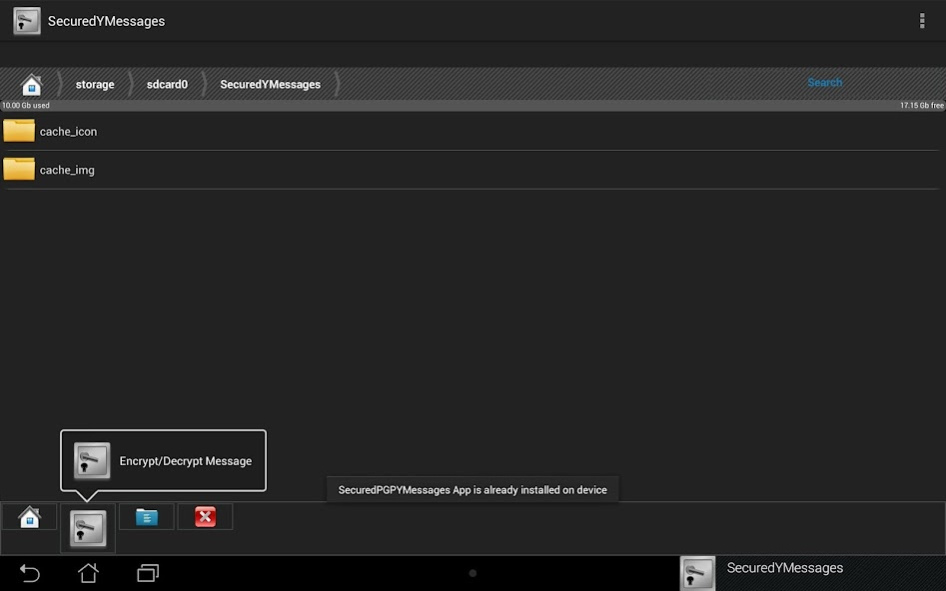
This app provides a user friendly way and proven implementation of the well known military/security/intelligence encryption AES-256 to send messages (MMS) on Yahoo messenger app. This is designed of phone devices.
Traditionally, encryption has been cumbersome and confusing to most of people. The UI for this app provides a clear and simple way to user to get the safety and privacy of encrypted MMS using the well known military/security/intelligence encryption AES-256.
This software app is written specially to suite legal professionals (judges and lawyers), police/security/intelligence/military officers, financial or investment professionals, politicians, senior business officials, senior government officials, diplomats, and political, freedom, democracy, or human rights activists.
Yahoo messenger (MMS) is restricted to attaching on multimedia files. Therefore, encrypted files can not be attached to the Yahoo messenger. As result, this app provides only encrypted messages.
This app will run on android 4 and 5 due to some technical incompatibility with android 6. We will soon another version that will run on android 6.
Check our other apps to protect your security and privacy SecuredEmail and SecuredIM which use the same military/security/intelligence encryption grade.
Check our full line of serious secured apps for serious professionals:
- SecuredEmail for secured encrypted emails;
- SecuredGEmail for secured encrypted emails for Google gmail;
- SecuredOutEmail for secured encrypted emails for Microsofft outlook/hotmail;
- SecuredIM for secured encrypted IM (Instant messages);
- SecuredMms for secured encryped MMS;
- SecuredVault for secured large data/info storage and transfer/sending;
- UltraTelegram for secured encrypted messages and attached files on Telegram app;
- UltraFacebookM for secured encrypted messages on Facebook;
- UltraWhatMessages for secured encrypted messages on Whatsapp;
- UltraViberM for secured encrypted messages on Viber;
- UltraAllo for secured encrypted messages on Allo app;
- UltraInstaMessages for secured encrypted messages on Instagram;
- UltraLineMessages for secured encrypted messages on LINE app;
- UltraSkyMessages for secured encrypted messages on Skype app;
- UltraCloudBox for secured encrypted data/information storage on Dropbox;
- UltraCloudDrive for secured encrypted data/information storage on Google Drive;
- SecuredYEmail for secured encrypted email using Yahoo mail app;
- SecuredYMessages for secured encrypted messages using Yahoo messenger.
Each of the above apps is available for monthly subscription for the service of the app.
We are introducing this app and many other similar apps as part of our long deep and strong passion and commitment to use technology to support and help democracy, freedom of expression, and human rights activists, opposition/supporters and general people against injustice and oppressive police/military/royal dictatorships, and highly corrupt regimes. We are not located in USA. Therefore, we are not under legal obligations to provide personal and private information about our users to spy/security agencies. It is our dream and goal to help to create a better and safer world for everyone.
Privacy Policy: None of our apps collect and/or transmit any info what so ever about the user and/or his/her device.
About SecuredYMessages
The company that develops SecuredYMessages is King Tut. The latest version released by its developer is 1.1.
To install SecuredYMessages on your Android device, just click the green Continue To App button above to start the installation process. The app is listed on our website since 2016-11-02 and was downloaded 0 times. We have already checked if the download link is safe, however for your own protection we recommend that you scan the downloaded app with your antivirus. Your antivirus may detect the SecuredYMessages as malware as malware if the download link to com.securedsoftware.securedymessages is broken.
How to install SecuredYMessages on your Android device:
- Click on the Continue To App button on our website. This will redirect you to Google Play.
- Once the SecuredYMessages is shown in the Google Play listing of your Android device, you can start its download and installation. Tap on the Install button located below the search bar and to the right of the app icon.
- A pop-up window with the permissions required by SecuredYMessages will be shown. Click on Accept to continue the process.
- SecuredYMessages will be downloaded onto your device, displaying a progress. Once the download completes, the installation will start and you'll get a notification after the installation is finished.
Program Details
System requirements
Download information
Pricing
Version History
version 1.1
posted on 2016-11-03
Disclaimer
Official Google Play Link
We do not host SecuredYMessages on our servers. We did not scan it for viruses, adware, spyware or other type of malware. This app is hosted by Google and passed their terms and conditions to be listed there. We recommend caution when installing it.
The Google Play link for SecuredYMessages is provided to you by apps112.com without any warranties, representations or guarantees of any kind, so access it at your own risk.
If you have questions regarding this particular app contact the publisher directly. For questions about the functionalities of apps112.com contact us.
